Ask any campground owner what eats their day in the busy season and you’ll hear the same answer: the phone. It rings while you’re checking someone in, while you’re out fixing a water spigot, and right as you sit down to dinner. Phone reservations aren’t going away, and some guests will always want to call. But a lot of those calls don’t need to happen, and the ones that do can be quicker.
This guide is for owner-operators who answer their own phone. Here’s why it rings, and what you can move online so you spend less time on campground phone reservations.
Why the phone keeps ringing
Before you change anything, listen to what callers actually ask. For most small parks, it’s the same handful of questions:
- “Do you have anything open?” The guest wants to know about availability for their dates, and there’s no way to check without calling.
- “Which site should I get?” They want the one by the lake, or a pull-through that fits a 40-foot rig, or a spot away from the road.
- “How much is it?” Nightly rates, weekend rates, extra vehicles, pets.
- “How do I get there?” Directions, check-in time, gate codes, where to go after hours.
- “Did my booking go through?” They booked or left a message and never got a confirmation.
Each of these has an answer you could put in front of the guest before they pick up the phone.
Put live availability online
The single biggest source of calls is the availability question. If guests can’t see what’s open, they call, and if you’re busy, they call the next park on the list.
Online booking with live availability answers it for them. The guest picks their dates, sees which sites are open, and books and pays without waiting for you. The key word is live: guests and your front desk should book from the same availability, so a site booked online is gone from the desk screen too, and the reverse. That’s also how you avoid the double bookings that lead to even more phone calls.
Add an interactive site map
“Which site should I get?” is the second call. An interactive site map lets campers see where each site sits, which ones are open for their dates, and what each site type offers. They can pick the shady one near the bathhouse themselves instead of asking you to describe the park over the phone.
Answer the top questions on your website
Write down the questions you answer most often for a week, then put the answers on your website: rates, site sizes, hookups, pet rules, check-in and check-out times, quiet hours, directions and what to do if they arrive after the office closes. A short FAQ page and clear rate information on the booking page handle a lot of the “how much” and “how do I get there” calls.
Send confirmations and receipts automatically
The “did my booking go through?” call happens when guests don’t hear back. Automatic confirmations and receipts by email and text close that loop the moment a booking is made, with the dates, the site and what they paid. Include your check-in details and directions in the confirmation, and you’ve answered the next call before it happens.
Send pay links instead of taking cards over the phone
Reading card numbers over the phone is slow and nobody enjoys it. When a guest books by phone or hasn’t paid yet, send a payment link by text or email instead. The guest pays on their own phone, the booking is marked paid, and you can hang up and move on.
Make the calls you still take quicker
Some guests will always call, and that’s fine. What matters is how long each call takes. A simple front desk booking screen helps: pick the dates, see only the open sites, add the site, and let the software add up the total. Then send the pay link and the confirmation goes out on its own. No flipping through the paper book, no calculator, no retyping the booking into a calendar later.
Handle after-hours calls and voicemail
Calls that come in after the office closes usually turn into voicemails, and voicemails turn into phone tag. A few options:
- Point your voicemail greeting to your website, where guests can check availability and book any time.
- Return voicemails with a text and a link to book, instead of another call.
- Use an AI booking agent to answer calls. Camp Manager Pro includes an AI Booking Agent that can answer the phone, with 400 minutes of calls a month included.
Add chat to your website
Some guests would rather type than call. A chat button on your website gives them a quick way to ask a question while they’re looking at sites and rates, and it’s easier to answer between check-ins than a ringing phone.
See it on a sample campground
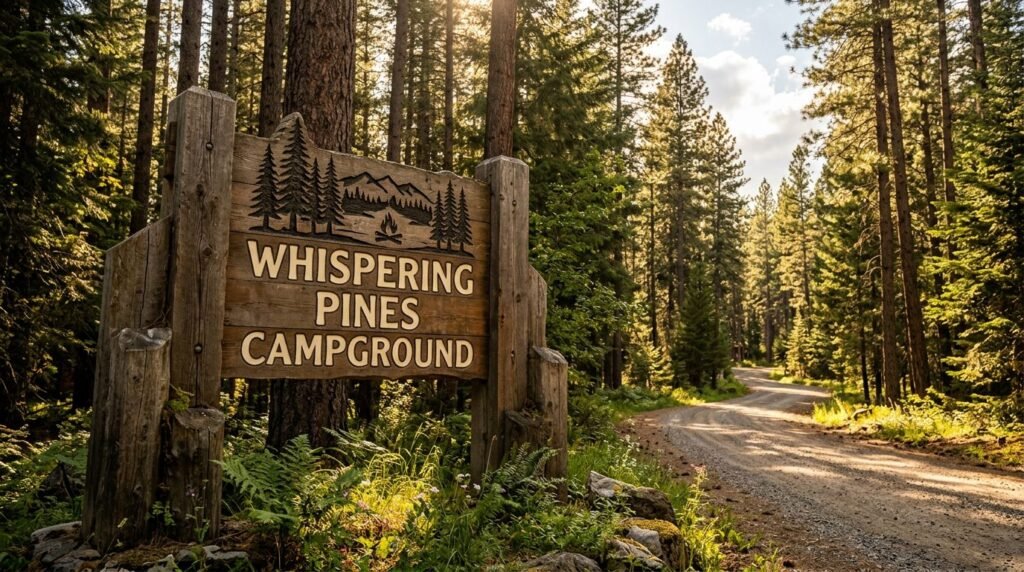
The best way to see how much of this can move online is to try it as a guest. Our live demo is Whispering Pines, a sample campground with sample data. Pick dates, switch to the map view, choose a site and walk through a booking the way your guests would.
Camp Manager puts online booking, the front desk, payments, the booking calendar and guest follow-up in one place. Right now it’s 90 days free, with $10 a month in communication credits included. Setup takes about two weeks, estimated, depending on your property, and we load your sites, rates and map with you.
If you’re still comparing options, read Campground Booking Software: How to Take Reservations Online.
Want to see how it would work for your park? Book a 30-minute walkthrough, or tap More Info to ask a question.